

onlyTrustedInfo.comonlyTrustedInfo.comonlyTrustedInfo.com
Font ResizerAa
  • News
  • Finance
  • Sports
  • Life
  • Entertainment
  • Tech
Reading: Google rolling out Material 3 redesign of Gmail for iPhone 
Share
onlyTrustedInfo.comonlyTrustedInfo.com
Font ResizerAa
  • News
  • Finance
  • Sports
  • Life
  • Entertainment
  • Tech
Search
  • News
  • Finance
  • Sports
  • Life
  • Entertainment
  • Tech
  • Advertise
  • Advertise
© 2025 OnlyTrustedInfo.com . All Rights Reserved.
Tech

Google rolling out Material 3 redesign of Gmail for iPhone 

Last updated: April 25, 2025 4:02 pm
OnlyTrustedInfo.com
Share
2 Min Read
Google rolling out Material 3 redesign of Gmail for iPhone 
SHARE

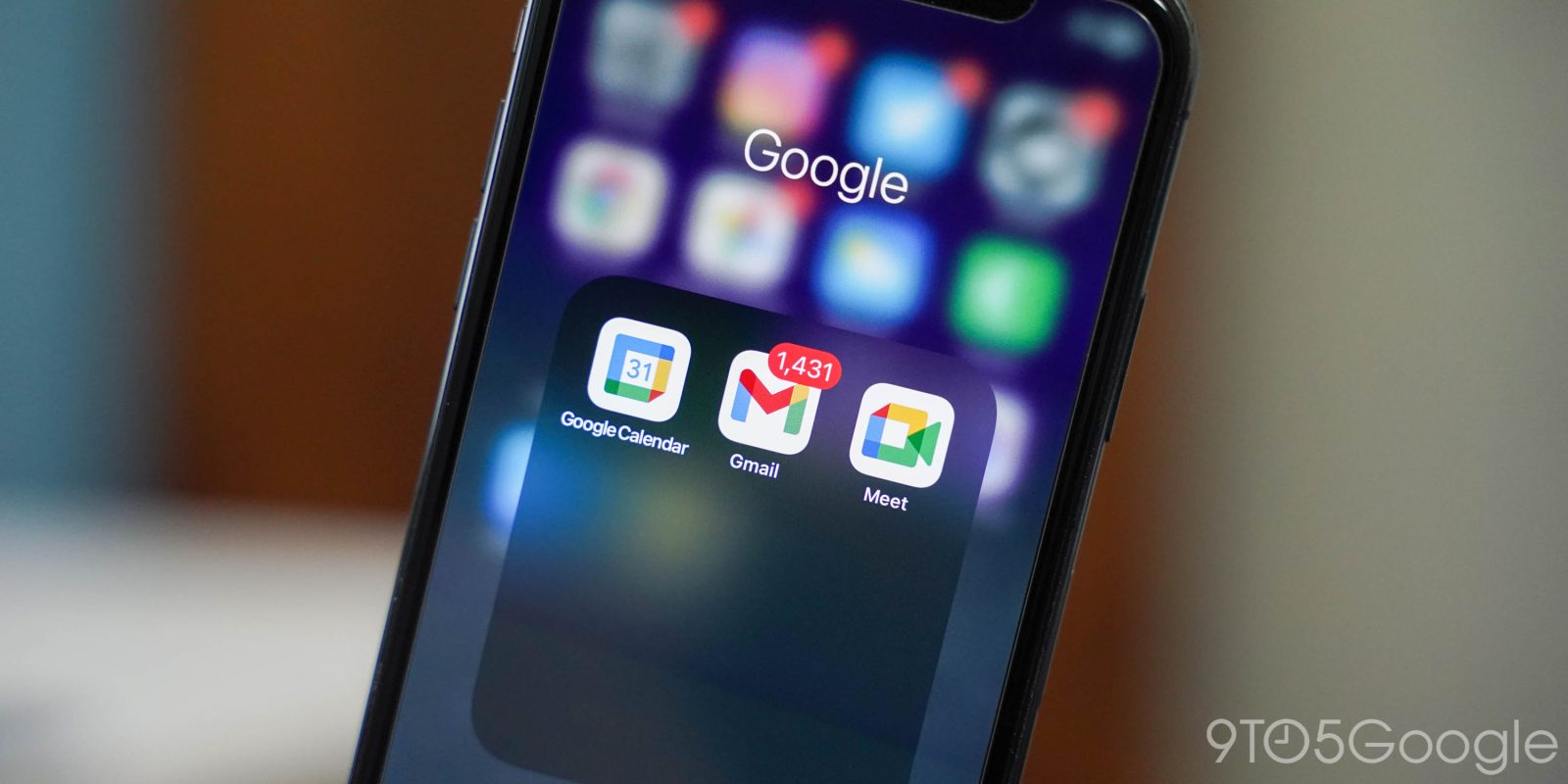
iphone google icon gmail calendar meet

After testing earlier this year, Google is now widely rolling out a Material 3 redesign of Gmail on iPhone and iPad. 

While the design language is widely available in Google’s Android and web apps, iOS adoption has been much slower. 

In Gmail, it starts with a pill-shaped search bar replacing the rounded rectangle. The bottom bar, if you have the integrated Google Chat and/or Meet experience enabled, identifies your current tab with another pill instead of highlighting the icon.

Old vs. new

Advertisement – scroll for more content

The “Compose” button is now a rounded rectangle. Blue is used as the accent color throughout the application, with red being mostly retired. 

Gmail’s navigation drawer with your folders and labels is unchanged. In the message view, one tweak sees the three-dot overflow icon go horizontal.

This “refreshed look and feel” is meant to match the Android and web experience. We’re seeing this Material 3 redesign rolled out with version 6.0.250413 of Gmail for iPhone and iPad. Overall, it is a pretty straightforward modernization.

On iOS, Material 3 is available in Google Chat, Home, Maps, Meet, Photos, and Search.

Meanwhile, Google Calendar, which is an app using the previous design language, for iOS is getting the ability to “create and modify birthday events.” Once available, creating a new event reveals “Birthday” as an option alongside “Event” and “Task.” This is not yet widely rolled out. 

More on Gmail:

FTC: We use income earning auto affiliate links. More.

You Might Also Like

Meet Neptune, a TikTok alternative where creators can hide likes and follower counts 

The Built-In Backpack: Why Hamsters Are Nature’s Most Efficient Survivalists

Sam Altman said none of his ‘best people’ at OpenAI were enticed by Meta’s $100 million signing bonuses

Quick action by one Texas summer camp leads to timely evacuations ahead of deadly flood

Private lunar lander from Japan crashes into moon in failed mission

Share This Article
Facebook X Copy Link Print
Share
Previous Article Apple Notes got a power user feature in iOS 18 that’s rare in other apps Apple Notes got a power user feature in iOS 18 that’s rare in other apps
Next Article How can SRH qualify after their five-wicket win against CSK? How can SRH qualify after their five-wicket win against CSK?

Latest News

Prince Andrew’s Legal Peril Deepens: Transatlantic Probe Targets Giuffre Family
Entertainment July 11, 2026
Sofia Vergara’s Etro Dress: The Keyhole Cutout That’s Turning Heads on Italian Streets
Entertainment July 11, 2026
Rick Springfield at 76: How the ‘Jessie’s Girl’ Icon Redefined Aging in Rock with His Viral Physique
Entertainment July 11, 2026
Prince Harry and Meghan’s Children Reunite with King Charles: A Royal Family Milestone After Years of Tension
Entertainment July 11, 2026
//
  • About Us
  • Contact US
  • Privacy Policy
onlyTrustedInfo.comonlyTrustedInfo.com
© 2026 OnlyTrustedInfo.com . All Rights Reserved.