


The most recent instance of benefiting from Apple Intelligence with about 70% satisfaction just occurred. I’m writing another piece using an M4 iPad Pro and Magic Keyboard. I selected the opening paragraph, invoked Writing Tools, and selected Proofread.
This is how the proofread version was presented:
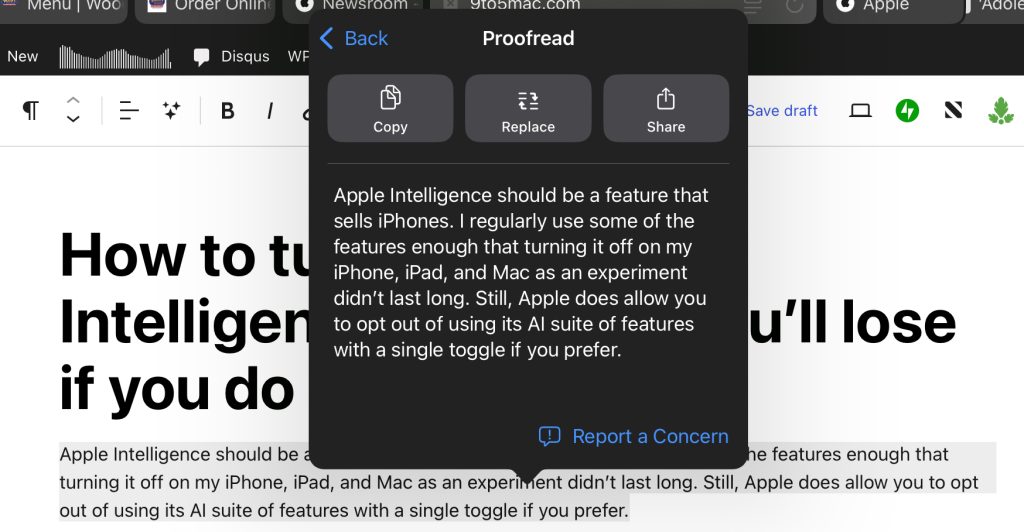
The feature worked as expected. The problem is that Writing Tools doesn’t highlight changes, and the UI obscured my original text. As a workaround, I selected Replace, used Command + Z to undo typing, then used Command + Shift + Z to redo typing.
Flipping between versions a few times allowed me to notice what changed. Apple Intelligence corrected a typo (using “I’m” instead of “I” before “regularly”) that I missed. A+ for usefulness; D- for execution.
Show your work, Apple Intelligence
The ability of Writing Tools to highlight changes is so needed that I’m confident Apple is already planning to show this off at WWDC in two months. If not, I suppose I’ll campaign for its existence.
Writing Tools is otherwise a very polished and feature-rich part of Apple Intelligence.
I might use the parts of Writing Tools that rewrite text if it included a diff view of what changed or let you select which parts to change and which to keep. However, I think a proper diff view may be too much to ask for a feature that aims to be super simple.
But trusting it to proofread and fix text without knowing what changed? That’s a level of trust that I haven’t established yet with Apple Intelligence.
ChatGPT for proofreading
The proofreading tool that I use most of the time is ChatGPT. I have a text replacement shortcut for the prompt that I use. Typing “;edit” inserts “List any grammar, spelling, or punctuation errors in bullets, please:” into the prompt field, then I paste the copied text from my article and run the prompt.
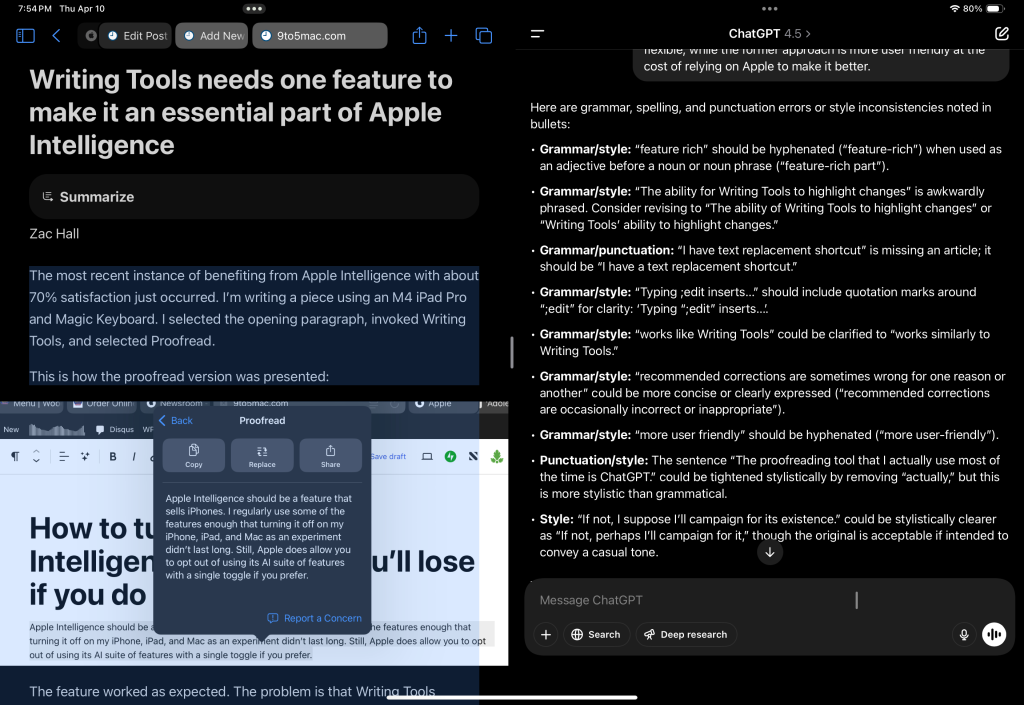
Just asking ChatGPT for a proofread without requesting a bullet list in the prompt typically works similarly to Writing Tools. ChatGPT will provide a rewritten version of the text with the corrections that it thinks are correct. The problem is that recommended corrections are occasionally incorrect, sometimes for reasons that machines shouldn’t be expected to know.
What’s great about Writing Tools is that Apple has designed a user interface that presents capabilities to users. ChatGPT is a completely open-ended text field that requires you to bring your own prompt. The latter approach is more capable and more flexible, while the former approach is more user-friendly at the cost of relying on Apple to make it better.
FTC: We use income earning auto affiliate links. More.


