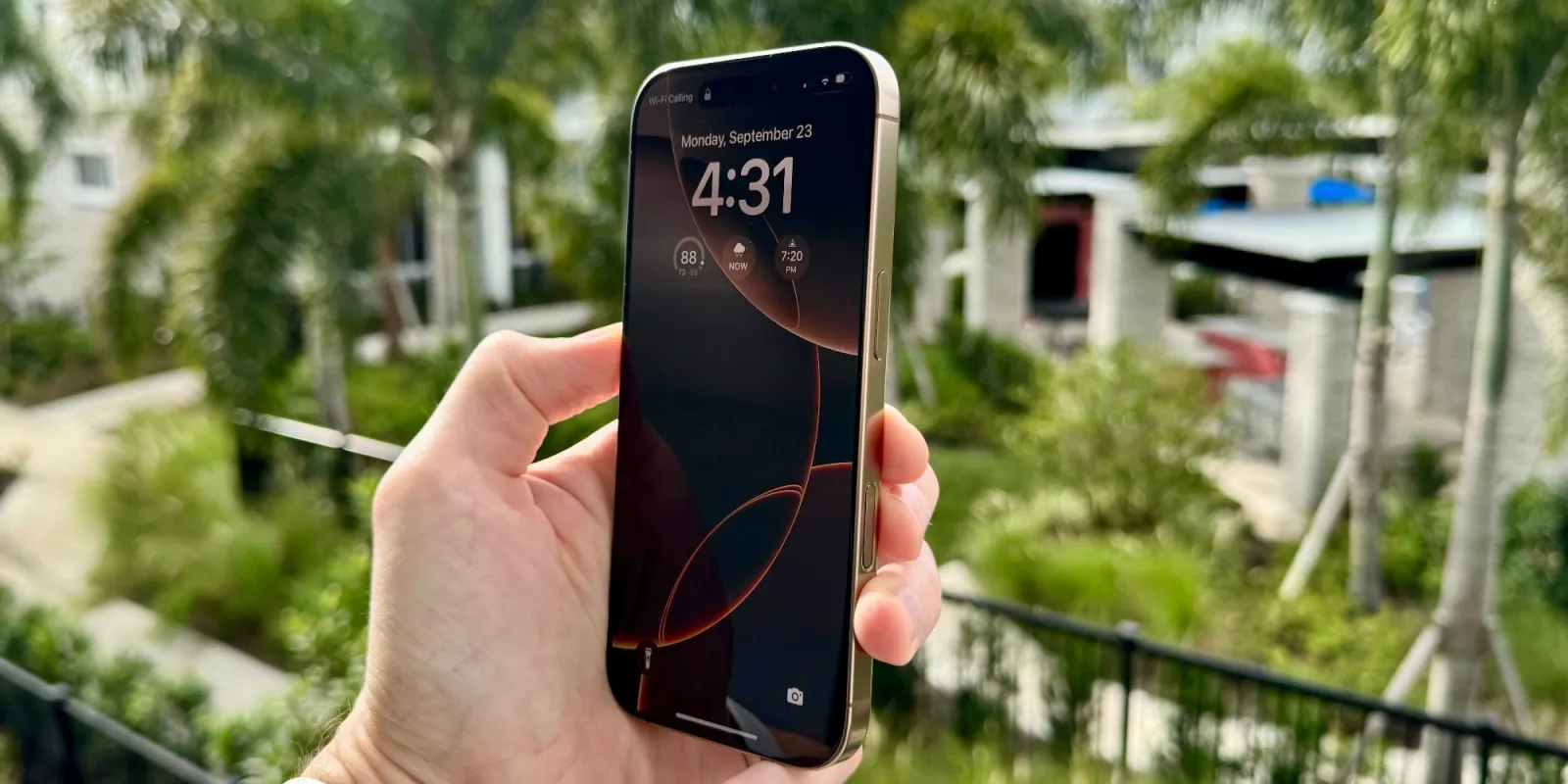
Camera Control had a rocky start when the iPhone 16 launched. Early reviews found the button overly complicated and finicky, sometimes feeling more like a gimmick than the tentpole feature Apple pitched it as. I didn’t have the best first impressions of Camera Control either, but that’s completely changed in the six months since I got my iPhone 16 Pro.
First impressions of iPhone 16 Pro’s tentpole feature
When I first got my iPhone 16 Pro, I started using Camera Control and immediately found it frustrating.
It seemed clear that Apple had built the button with a specific user base in mind: people who shoot their photos landscape, with the iPhone held horizontally.
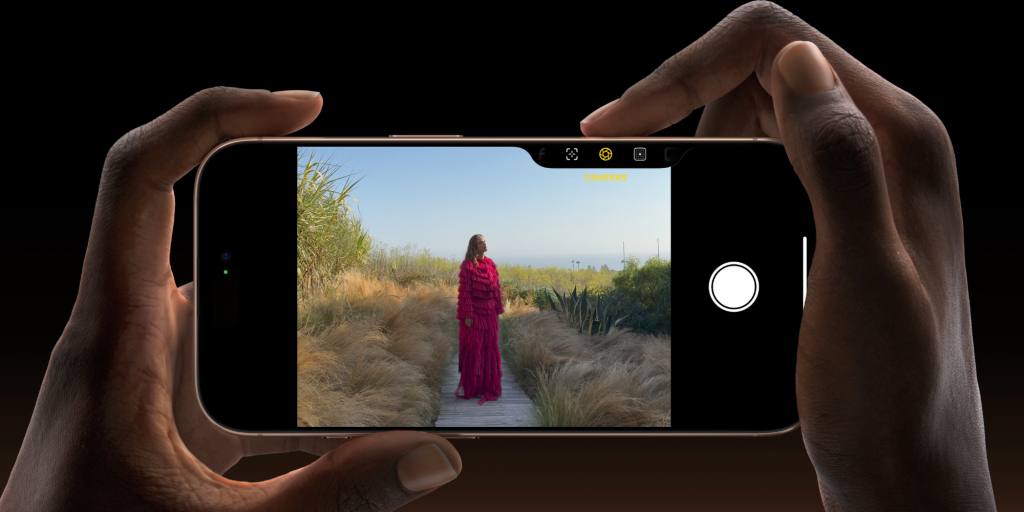
I am not that person. It’s rare that I take landscape photos.
Back then, whenever I held my iPhone vertically, Camera Control had two shortcomings:
- I would trigger half-presses of Control Control by accident due to my tenuous one-handed grip
- and Camera Control’s advanced features for adjusting zoom and other settings were far too awkward in that orientation
I knew that if I held my iPhone horizontally, both of these issues would be solved. I could use Camera Control how Apple intended with no issues.
But that’s not how I shoot my photos, and nor, I suspect, do most other iPhone users these days.
To add insult to injury, one Camera Control feature I was most interested in—visual intelligence—wasn’t yet available.
All of this meant that shortly after launch, Camera Control felt pretty pointless to me.
Fortunately, things have gotten better.
Camera Control became an asset after iOS 18 updates
Over the past six months, several iOS updates have made Camera Control much better for my needs.
First, iOS 18.2 brought a very important new option to the Settings app: you can turn off the toggle that reads ‘Require Screen On.’
As of the iOS 18.4 beta this is available in Settings ⇾ Camera ⇾ Camera Control, but was under Display & Brightness settings at one point.
This new setting fixed one early annoyance of Camera Control, which was that I would need to press it twice before the Camera app would launch: once to wake my iPhone, then a second time to launch Camera.
I found this especially frustrating because it provided an inconsistent experience: depending on whether the screen was on or not, sometimes I could launch the Camera with one press of Camera Control, while other times would require two. Ultimately this made the feature feel broken.
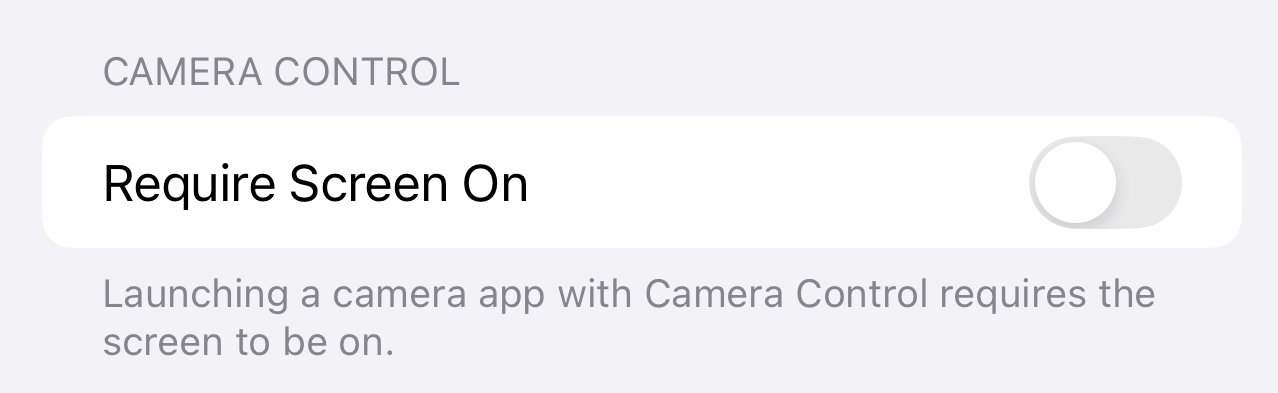
By turning the screen requirement off, I can launch my Camera faster than ever and get a consistent Camera Control response whether the display is on already or not.
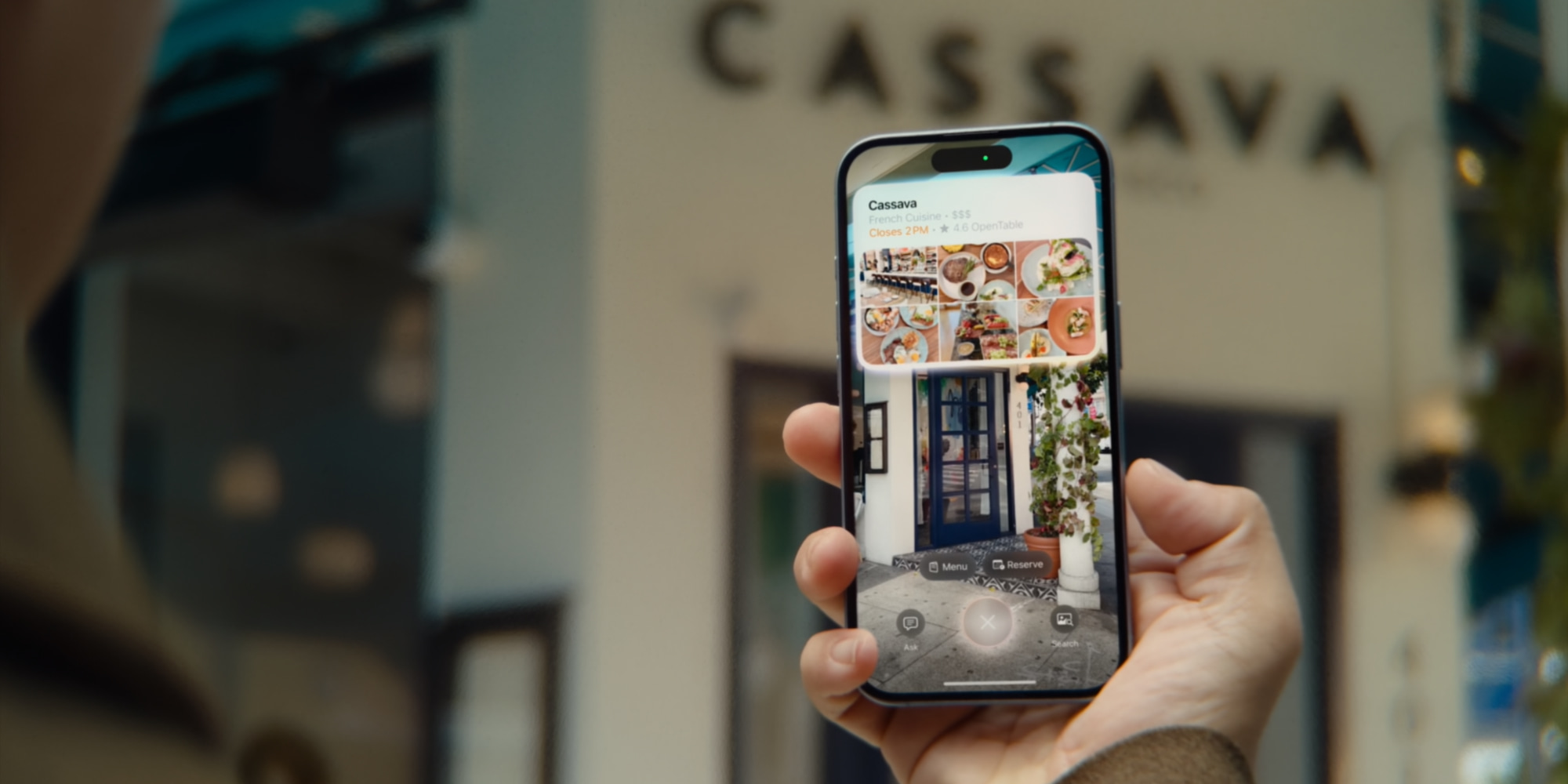
Second, visual intelligence debuted in the same update and got even better in iOS 18.3.
Though I don’t use the feature a ton, I love the premise of visual intelligence and expect to use it more often over time as it gains new capabilities. And it has come in handy on a number of occasions so far.
Winter photography is better with Camera Control too
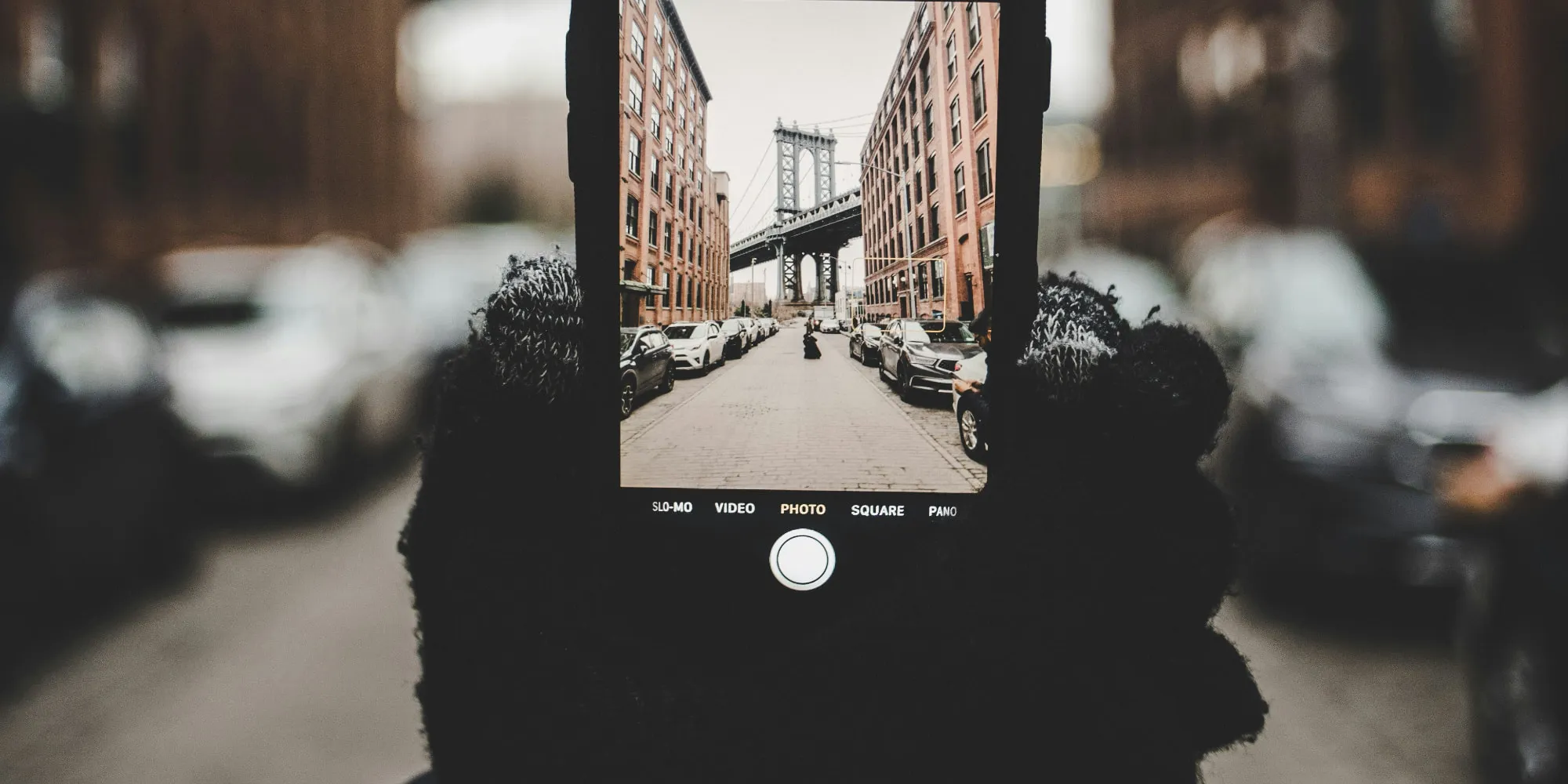
I’ve discovered another Camera Control benefit in recent months: it’s really great for cold weather seasons.
I get cold pretty easily, and my skin also can dry out and crack fast. This means throughout winter and even a decent chunk of fall and early spring, I wear gloves when I’m outside.
My history with touchscreen-friendly gloves has been hit or miss, though I’ve been loving the Moshi Digits gloves this season.
Even with good touchscreen gloves, there’s no doubt that Camera Control is a much better photography option than touching the iPhone’s screen.
In previous winters, capturing special moments required more fiddling with my iPhone, often removing gloves in the process.
This winter, I’ve been able to quickly launch the Camera app by pressing Camera Control, then snap photos with subsequent presses of the same button. My hand stays in the same place, and importantly it stays gloved and cozy.
Camera Control as capture button: wrap-up
Apple’s feature enhancements to Camera Control, combined with my experience this winter, have made me very grateful that the feature exists. I wouldn’t want to go back to an iPhone without Camera Control.
That said, I still don’t use lots of the extra features Apple provides. In fact, I’ve completely disabled all ‘Light-Press’ gestures. No zoom or exposure controls. It’s just a simple capture button for me.
If I shot in landscape, maybe I’d give those other features a shot again. But with my preferred photography orientation, Camera Control has made for a valuable capture button—and I don’t need anything more.
How are you using Camera Control? Let us know in the comments.
Best iPhone accessories
FTC: We use income earning auto affiliate links. More.