


I used to change up task managers often, always looking for a new app that could make keeping up with todos just a little bit better. But for years now I’ve stuck with Apple’s Reminders app, and a tiny new iOS 18 feature has turned out to make a big difference for me.
Reordering your Today list in iOS 18
Apple’s Reminders app has become much more powerful than a simple list app.
There are new features added all the time, including a variety in iOS 18 last fall.
Out of those additions, an especially small new feature has been my favorite—not counting what’s technically a Calendar upgrade.
In iOS 18 you can now reorder sections in your Today list, something that was impossible before.
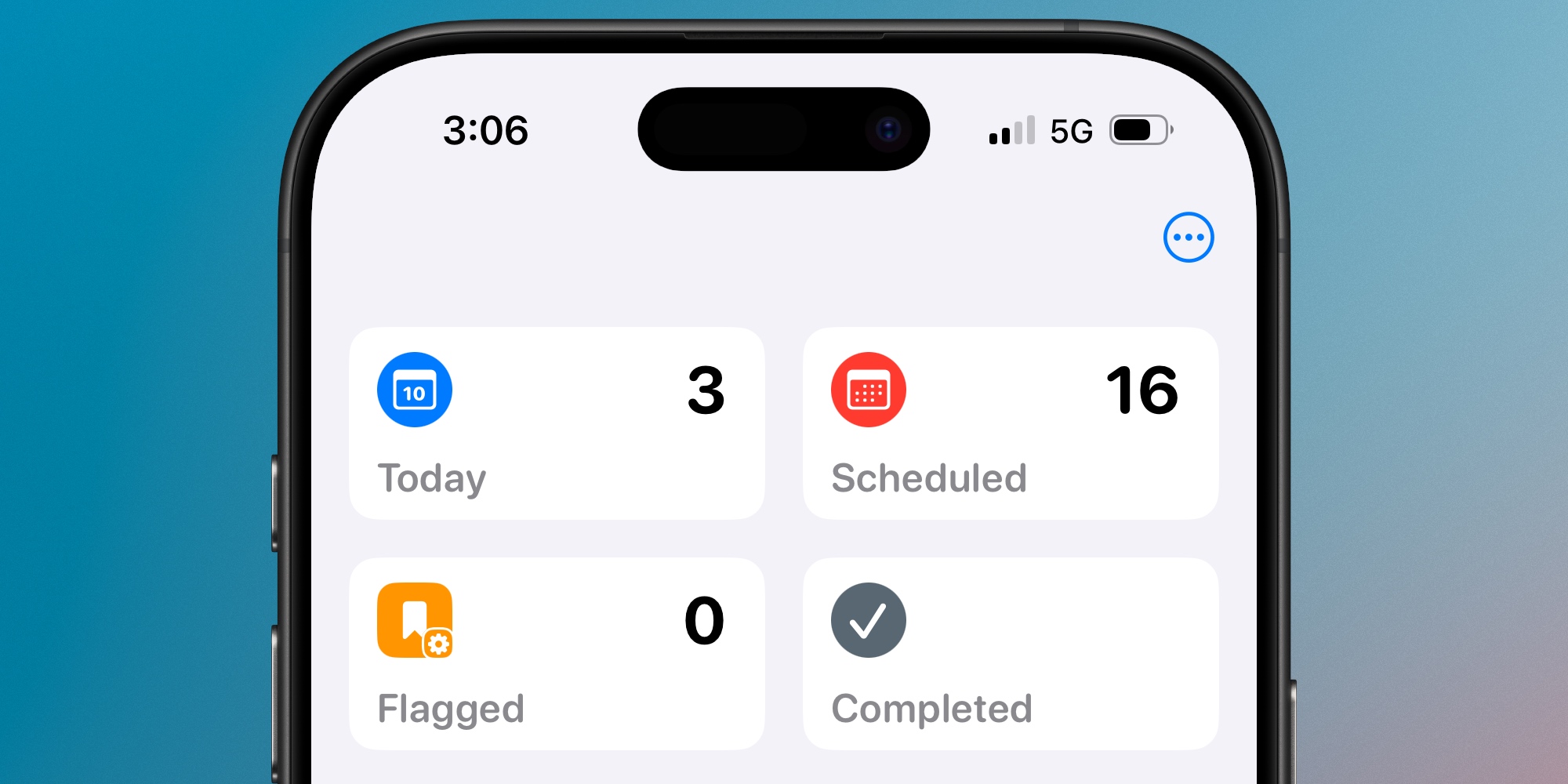
When viewing Today, tap the three-dot icon in Reminders’ top-right corner to reveal an ‘Edit Sections’ button.
Here, you’ll see that Today includes three main sections:
- Overdue
- All-Day
- Timed Reminders
Essentially, your Today list sorts reminders based on their time status.
If they’re overdue from a previous day, they’ll show up first. These are followed by all-day reminders, meaning they don’t have a specific time but are due today.
Finally, the Timed Reminders section includes everything with a specific time—and it’s sorted into Morning, Afternoon, and Evening.
These same main sections existed before iOS 18, but you couldn’t change their order. You always saw overdue tasks at the top, followed by all-day, then timed.
Here’s why reordering has been such a valuable upgrade for me.
Why Reminders’ default Today setup doesn’t work for me
Most of what I put into the Reminders app doesn’t involve hard deadlines.
I’ll assign due dates, but in most cases if I don’t complete something on a given day, it’s not a huge deal.
As a result, it’s not uncommon for me to let tasks become ‘overdue’ in the app.
And before iOS 18, that meant my Today view was always very poorly organized.
Why? Because overdue reminders got front-and-center treatment at the top of my list.
The problem is, these reminders are almost never the most important tasks on my agenda. If they were, I’d likely have completed them already.
Tasks assigned to the current day, and those with specific times, are more important to me 99% of the time.
So in iOS 18, I was able to move ‘Overdue’ reminders to the bottom of my Today view.
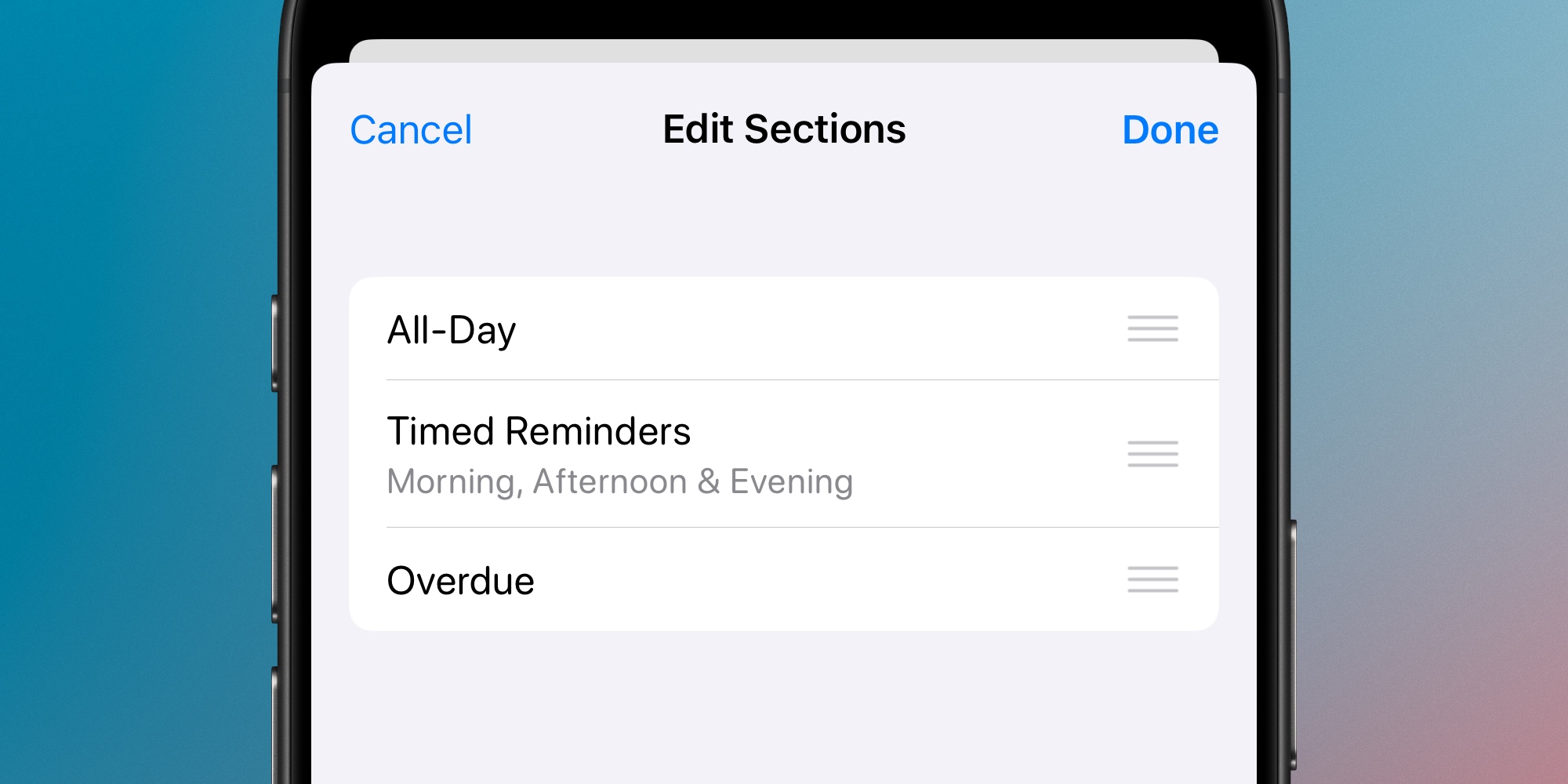
This way, the new tasks for the day don’t get lost under the clutter of overdue reminders. Rather, they get the prominent placement they deserve.
And when I’m ready to tackle overdue items, they’re waiting right at the bottom of the list.
I completely understand why Apple’s default sorting puts overdue tasks at the top, since for plenty of users I suspect overdue items merit more attention.
But for me, customizing the Reminders app to de-prioritize overdue items has been a very welcome upgrade.
Have you reordered your Today list in Reminders on iOS 18? Let us know in the comments.
Best iPhone accessories
FTC: We use income earning auto affiliate links. More.


