

onlyTrustedInfo.comonlyTrustedInfo.comonlyTrustedInfo.com
Font ResizerAa
  • News
  • Finance
  • Sports
  • Life
  • Entertainment
  • Tech
Reading: How to disable HUD in Schedule 1
Share
onlyTrustedInfo.comonlyTrustedInfo.com
Font ResizerAa
  • News
  • Finance
  • Sports
  • Life
  • Entertainment
  • Tech
Search
  • News
  • Finance
  • Sports
  • Life
  • Entertainment
  • Tech
  • Advertise
  • Advertise
© 2025 OnlyTrustedInfo.com . All Rights Reserved.
Sports

How to disable HUD in Schedule 1

Last updated: April 16, 2025 6:17 am
OnlyTrustedInfo.com
Share
6 Min Read
How to disable HUD in Schedule 1
SHARE


close

You can disable HUD in Schedule 1 to get some extra screen space for better viewing. This is most useful if you wish to record some gameplay or simply take scenic screenshots of the game itself. The HUD showing up in photos can make it seem cluttered at times and can be distracting for some fans. However, it is an integral part of the game as it allows you to keep track of objectives, activities, and inventory.

This article will highlight the best way to disable HUD in Schedule 1.

Note: Parts of this article are subjective and reflect the author’s opinion.


A guide to disable HUD in Schedule 1

There is no in-game option to directly disable HUD in Schedule 1. This means that you would need to utilize the game’s console window to get rid of the visual cues.

Here is how you can remove the HUD from Schedule 1:

  • Boot up the game and open the settings menu.
  • Click on the first tab and enter the “Game” tab in the game.
  • You need to tick the “Console” option in this tab to enable the command window.
  • Once this is done, you can exit the settings menu and resume the game.
  • Press the “~” key on your keyboard to enable the console window.
  • A small text input line will appear in the top area of the screen. Type “hideui” in the field and press Enter to confirm the command. This will disable all the HUD cues on your screen instantly.
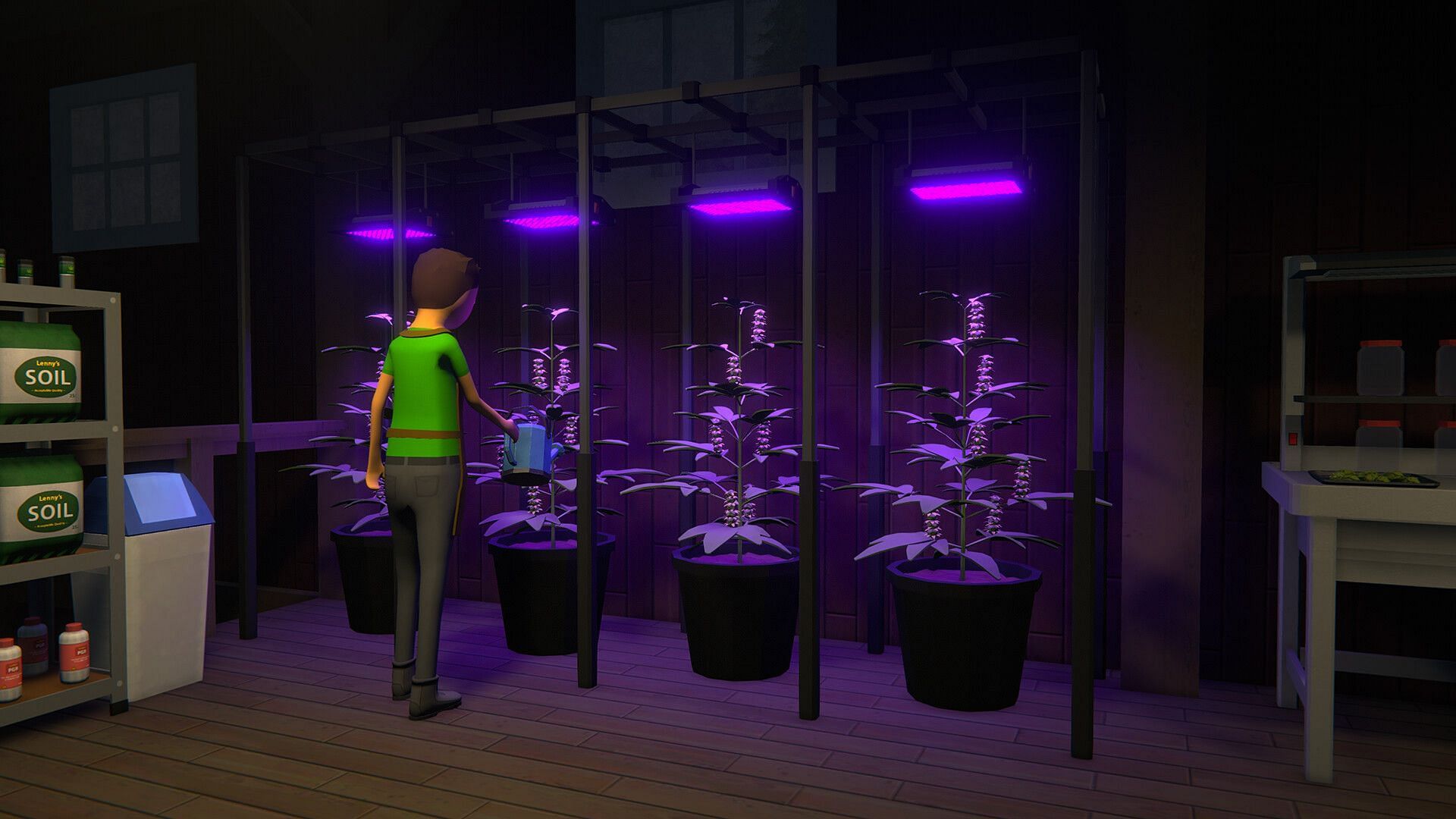
Schedule 1 HUD can be disabled with console commands (Image via TVGS)

Also read: Where is the Canal stash in Schedule 1?

You can also check out other commands and their effects by clicking on the “View Commands” button present in the settings menu under the “Game” tab. To get the UI back after you disable HUD in Schedule 1, you need to simply press the keybind for “View Avatar”. This is a great way to clean up your screen if you wish to experience some immersive gameplay while running a drug empire.

There is no inherent advantage in removing the HUD from the game. However, it might be an attractive option for fans who wish to challenge themselves with a higher difficulty. Due to the absence of any visual cues, you will need to maintain a constant check on your supplies and even cash.


Stay tuned to Sportskeeda for more updates, guides, and news.

Was this article helpful?

Thank You for feedback

About the author

” data-lazy=”https://keedag.sportskeeda.com/user-pic/886220-1713617796-200.jpg?w=200″
alt=”Krishanu Ranjan Sarma” height=”72″ width=”72″>

Krishanu Ranjan Sarma covers Call of Duty, Apex Legends, and Valorant content for the Esports & Gaming division at Sportskeeda, helping readers stay on top of the latest metas, strategies, and updates.

Krishanu was drawn to online video games when introduced to Dota 2 and the Counter-Strike titles as a teenager. He has since moved on to multiplayer shooters like Valorant, CS2, Call of Duty, and Apex Legends. Among these, he favors the fast-paced battle royale gameplay of Apex Legends; if given a chance, Krishanu would love to drop into the arena and learn the lore first-hand.

Krishanu follows official social media announcements, press releases, and live developer streams for news and updates. However, when it comes to in-depth guides, he draws on his gameplay knowledge to provide tried-and-tested tips and strategies.

Krishanu’s content has raked in over 3 million reads in less than two years. He has interviewed many professional esports players, including Valorant stars Mimi, Juliano, Daiki, meL, and Roxi, as well as HLTV award winner and Counter-Strike 2 player Zywoo. He is an avid follower of Valorant esports tournaments, with Paper Rex (PRX) being his favorite.

In his downtime, Krishanu likes capturing moments on film and editing videos. He keenly observes different shots and production-grade lighting techniques when watching movies and TV shows. He also likes listening to music and discovering new genres.

Know More

Are you stuck on today’s Wordle? Our Wordle Solver will help you find the answer.

Quick Links

More from Sportskeeda

Edited by Krishanu Ranjan Sarma

You Might Also Like

Themus Fulks’ Dagger Silences Cincinnati, Keeps No. 25 UCF Unbeaten at Home

Kyle Schwarber, Bryce Harper help Phillies beat Rockies 7-4 for 5th straight victory

Colts QB depth chart: What we know about Anthony Richardson vs. Daniel Jones

George Pickens helps Dallas’ offense, but will he fix it? Either way, it’s worth the gamble

Dallas Cowboys Fire Defensive Coordinator Matt Eberflus After One Disastrous Season

Share This Article
Facebook X Copy Link Print
Share
Previous Article Doctor with “lust for murder” charged with killing 15 patients under palliative care in Berlin Doctor with “lust for murder” charged with killing 15 patients under palliative care in Berlin
Next Article Is Zach LaVine playing tonight against the Dallas Mavericks? Latest on Kings star’s availability (April 16) Is Zach LaVine playing tonight against the Dallas Mavericks? Latest on Kings star’s availability (April 16)

Latest News

PFL Brussels 2026: Why the Odds Are Stacked Against the Underdogs in a Night of Dominant Favorites
Sports May 23, 2026
Ja Morant Spotted at WNBA’s Dream vs. Wings: What His Presence Means for the NBA Star and Women’s Basketball
Sports May 23, 2026
WWE Clash in Italy: Rhea Ripley vs. Jade Cargill Rematch Confirmed—Why This Title Showdown Matters
Sports May 23, 2026
Gerrit Cole’s Triumphant Return: 6 Shutout Innings After 569-Day Absence, But Yankees Fall to Rays
Sports May 23, 2026
//
  • About Us
  • Contact US
  • Privacy Policy
onlyTrustedInfo.comonlyTrustedInfo.com
© 2026 OnlyTrustedInfo.com . All Rights Reserved.