
Apple Invites is a brand new app for your iPhone that just launched last month. It offers a fun way to create and share event invites with great Apple Photos and Apple Music integrations. Here are five features of the Invites app that you might have missed.
Quickly re-create event invites
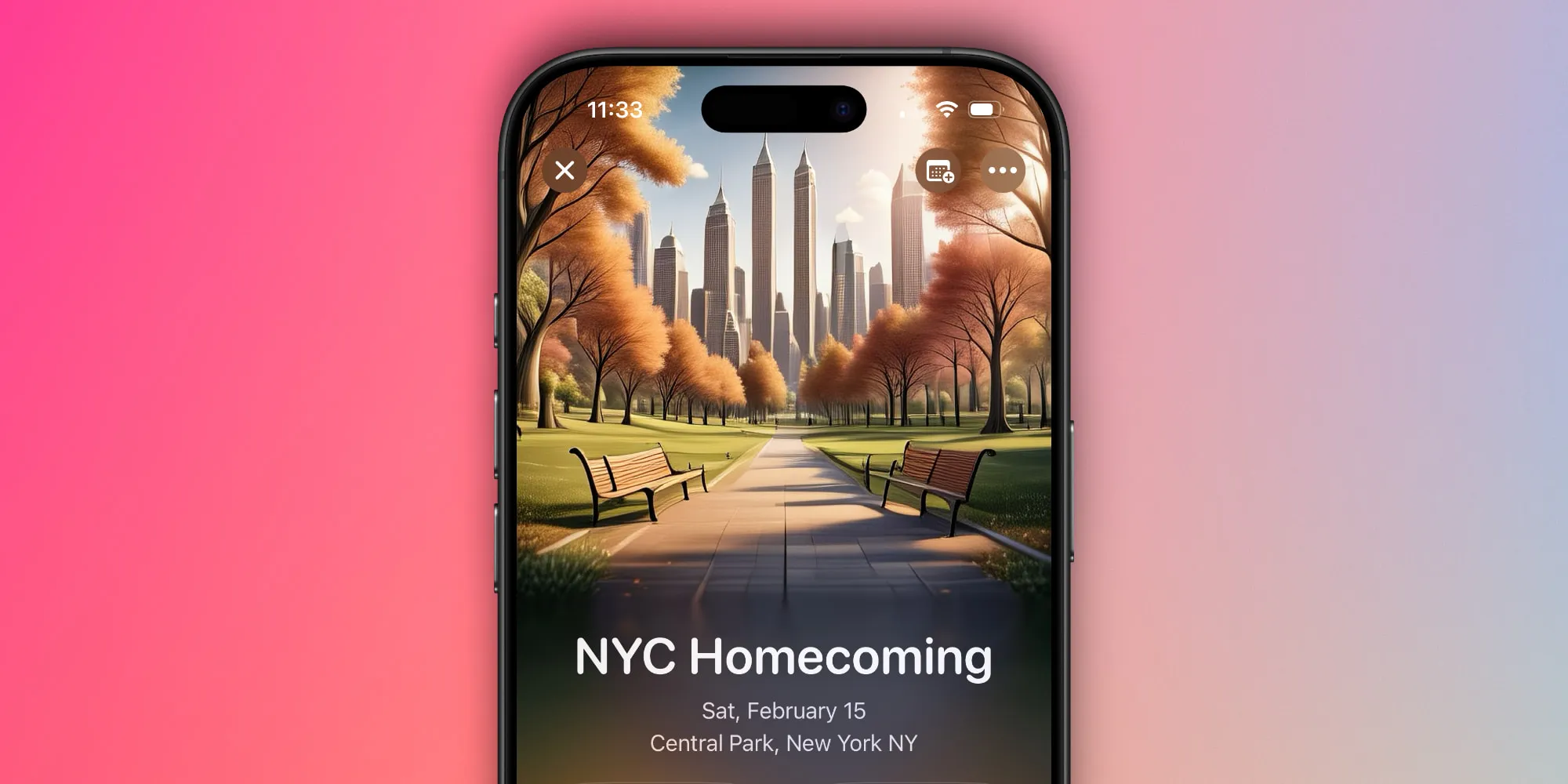
If you host similar events regularly—maybe a book club, happy hour, or work meeting—you can quickly start a new invite by duplicating a previous one.
Just open the event you want to copy, tap the three dots in the top-right corner, and hit Duplicate.
The guest list of the original event won’t be copied over, so you’ll need to manually add recipients again. But otherwise, duplicating the event will give you a nice head start on the new invite.
Customize your notifications
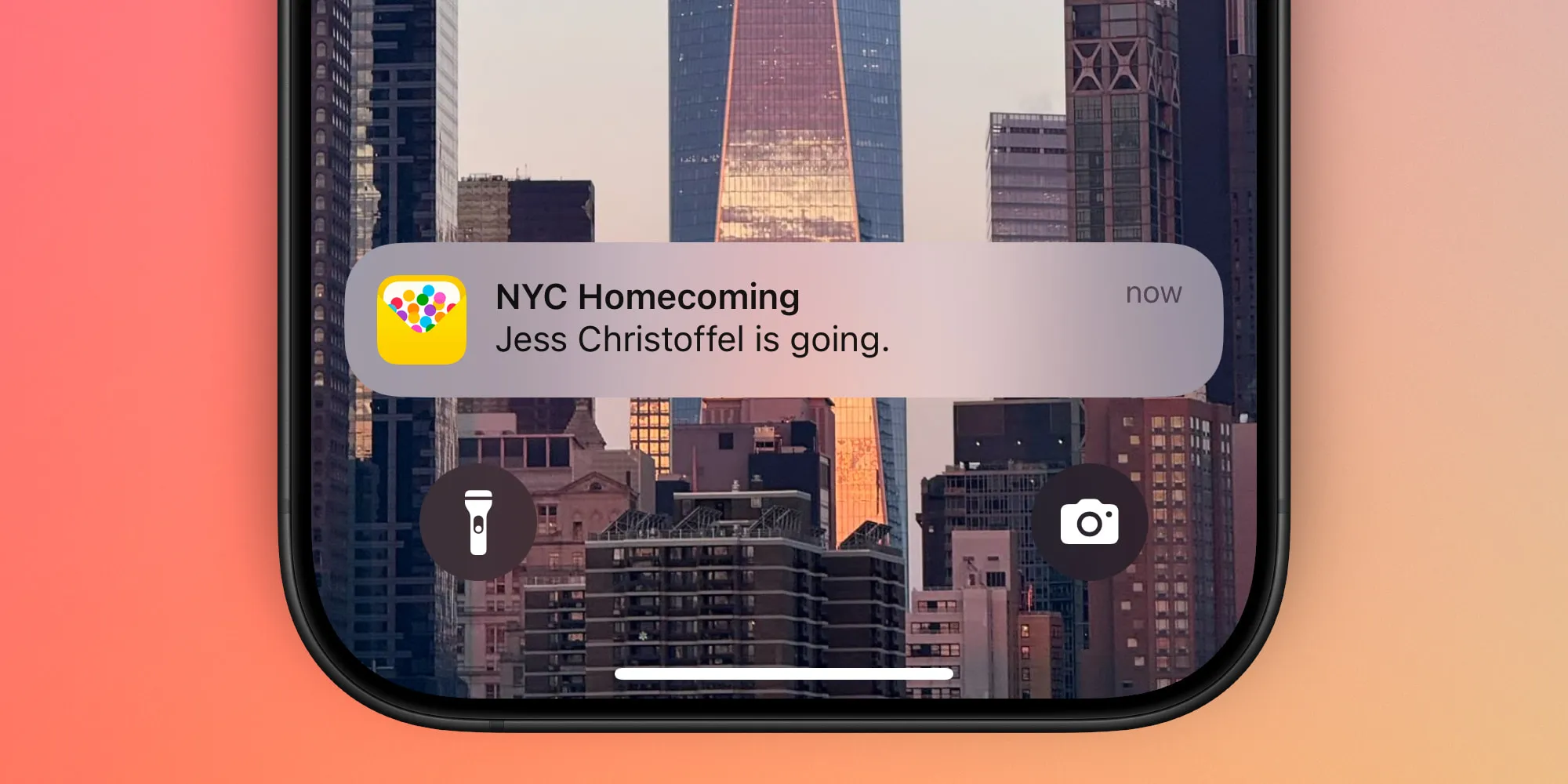
If you enable push notifications for the Invites app, Apple lets you further customize the types of notifications you receive with five total options. Tap your profile picture in the top-right corner of the app, then Push Notifications, and you’ll see toggles for the following notification categories:
- Events you’re hosting
- Events you’re invited to
- Recommendations
- New features and tips
- Offers
If you prefer to get email alerts instead of push notifications (or in addition to them), there’s an option for that too. By tapping your profile picture you’ll find an Email Updates menu, where you can toggle on email alerts for events you’re hosting and/or ones you’re invited to.
Privacy features for events

Apple offers a variety of privacy-conscious features inside the Invites app. These include the ability to:
- require approval for all RSVPs before they’re confirmed
- hide key details until guests are confirmed, such as location, guest list, event background image, and more
- create one-time-use invites personalized for specific guests, or use a generic link that works for anyone
Additionally, if you receive an invite, your personal contact information won’t be visible to other guests, and you can choose how your name and image are displayed.
Special guest permissions
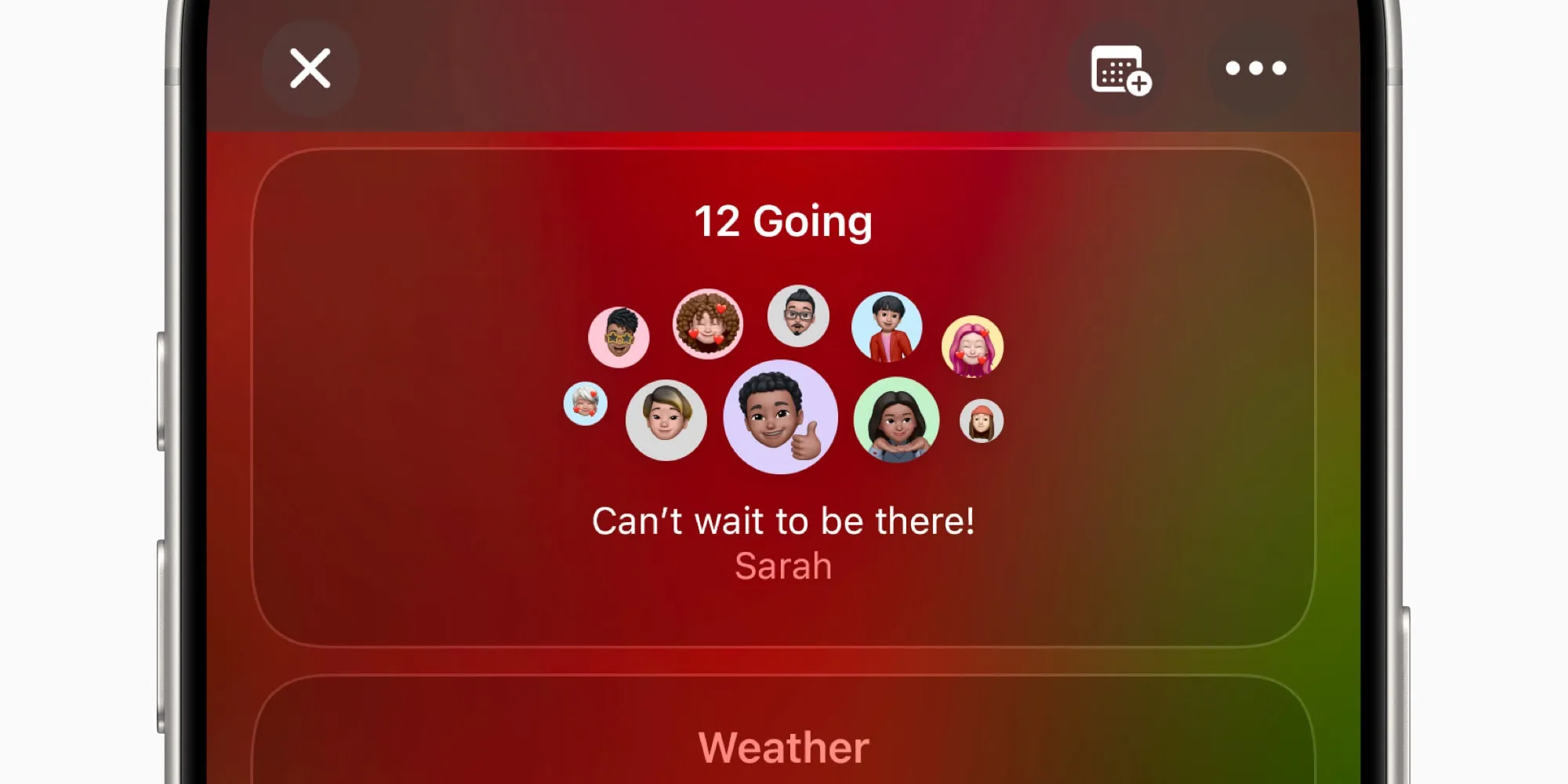
Just as you might expect from an app like Invites, Apple’s app lets you decide whether to allow guests to add their own guests to the event.
But the Invites app goes a bit further too. In addition to the all-or-nothing invite permission that applies to all guests, you can also get more granular and allow only certain guests to make their own invites. This can be done by opening the guest list, then tapping the three dots next to a person and hitting ‘Allow to invite others.’
Draft in advance and save your work
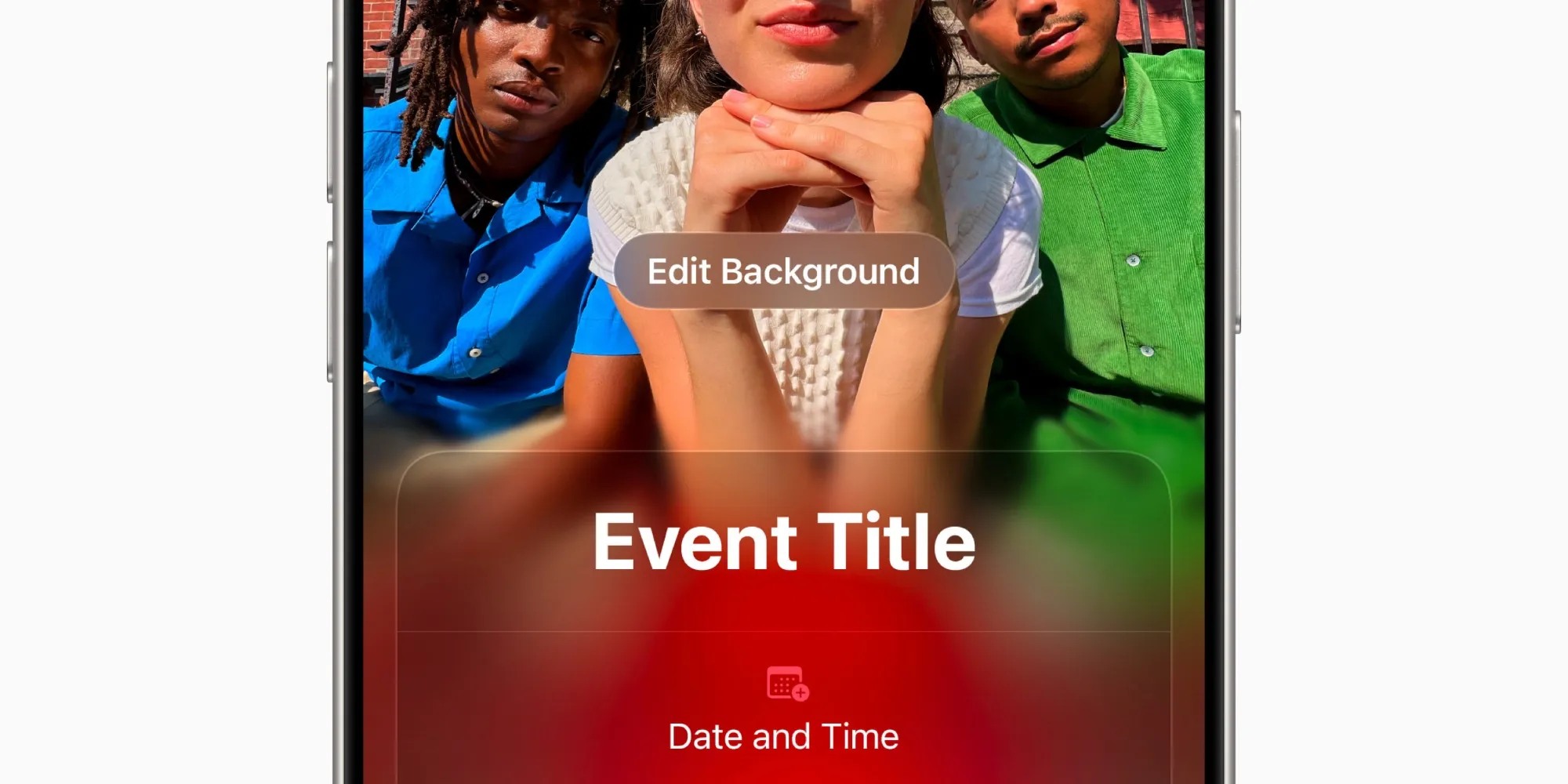
Like to plan ahead? Apple’s Invites app fully supports that. When creating new invites, you don’t have to send them right away. Instead, you can create as many drafts as you’d like and save them for later.
When you’re ready to send, just visit the Drafts section of the app, make any last-minute changes, and send the invite.
Also, if you get an invite completely ready to go but want to schedule it for later, the scheduling features included in Apple’s Messages and Mail apps have you covered.
Apple Invites app feature wrap-up
For a freshly arrived app, Apple Invites feels especially full-featured. There are always things Apple could add later, such as even more app integrations (cost-splitting with Wallet, perhaps?). But what’s available in this early version is impressive and meets all the basic needs most users will have—and then some.
What have your favorite Apple Invites features been so far? Let us know in the comments.
Best iPhone accessories
FTC: We use income earning auto affiliate links. More.