

onlyTrustedInfo.comonlyTrustedInfo.comonlyTrustedInfo.com
Font ResizerAa
  • News
  • Finance
  • Sports
  • Life
  • Entertainment
  • Tech
Reading: Apple’s Stocks app has a powerful hidden feature for easier tracking
Share
onlyTrustedInfo.comonlyTrustedInfo.com
Font ResizerAa
  • News
  • Finance
  • Sports
  • Life
  • Entertainment
  • Tech
Search
  • News
  • Finance
  • Sports
  • Life
  • Entertainment
  • Tech
  • Advertise
  • Advertise
© 2025 OnlyTrustedInfo.com . All Rights Reserved.
Tech

Apple’s Stocks app has a powerful hidden feature for easier tracking

Last updated: April 7, 2025 3:29 pm
OnlyTrustedInfo.com
Share
2 Min Read
Apple’s Stocks app has a powerful hidden feature for easier tracking
SHARE

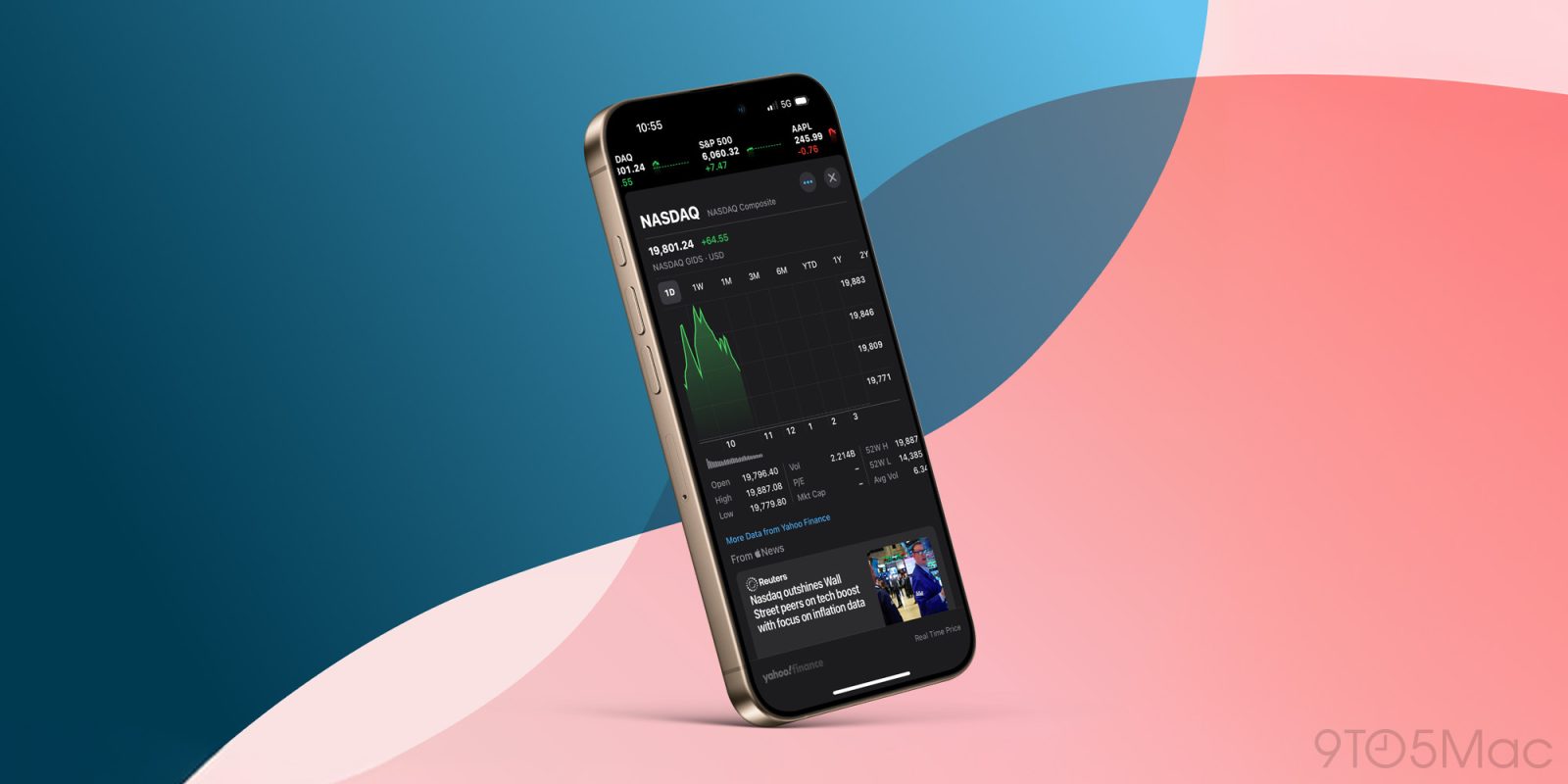
The US stock market is currently extremely volatile due to tariff uncertainty. As a result, the iPhone’s built-in Stocks app is likely getting more use right now than usual. Here’s a powerful hidden feature of Apple’s Stocks app that makes it easier to stay on top of the market.

Like most Apple software, the Stocks app offers multiple Home Screen widgets to choose from.

The Watchlist widget is especially powerful, letting you track a list of symbols in one convenient place on your iPhone’s Home Screen or Today View.

What makes the widget even better is a hidden toggle you’ll only find in the widget’s edit screen.

Add the Watchlist widget to your iPhone, then tap on it while in editing mode (or long-press the widget and hit ‘Edit Widget’).

Here you’ll find four custom parameters:

  • Watchlist
  • Show Stories
  • Show Watchlist Name
  • Show More Details

This latter toggle is especially worth your attention.

Off by default, you can enable ‘Show More Details’ to pack double the symbols into the same exact widget.

This only works in the medium and large-sized configurations, but it’s a powerful upgrade in both cases.

  • Stocks’ medium widget goes from showing three symbols to six
  • and the large widget goes from six all the way up to 12

Overall the feature offers a big upgrade to the amount of information packed into Apple’s widget for Stocks, making better use of your iPhone or iPad’s limited screen real estate.

What are your favorite tips and tricks for Apple’s Stocks app? Let us know in the comments.

Best iPhone accessories

FTC: We use income earning auto affiliate links. More.

You Might Also Like

GM teams up with Nvidia to bring AI to robots, factories, and self-driving cars

How a 6-Year-Old Fueled Harvard’s Axolotl Breakthrough—And Inspired a New Generation of Scientists

Eternal Flames and the Human Drive to Sustain: Why the World’s Longest-Burning Fires Endure

Fossils unearthed in Grand Canyon reveal new details of evolutionary explosion of life

The 5 Dash Cam Setup Saboteurs: Why Your Camera Might Be Useless (And How to Fix It)

Share This Article
Facebook X Copy Link Print
Share
Previous Article What we saw behind the scenes at CinemaCon What we saw behind the scenes at CinemaCon
Next Article Elon Musk brother Kimbal says Trump tariffs permanent tax on consumers Elon Musk brother Kimbal says Trump tariffs permanent tax on consumers

Latest News

Tiger Woods’ Swiss Jet Landing: The Desperate Gamble for Privacy and Recovery After DUI Arrest
Entertainment April 5, 2026
Ashley Iaconetti’s Real Housewives of Rhode Island Shock: Why the Cast Distrusted Her Bachelor Fame
Entertainment April 5, 2026
Bill Murray’s UConn Farewell: The Inside Story of Luke Murray’s Boston College Hire
Entertainment April 5, 2026
Prince Harry’s Alpine Reunion: Skiing with Trudeau and Gu Echoes Diana’s Legacy
Entertainment April 5, 2026
//
  • About Us
  • Contact US
  • Privacy Policy
onlyTrustedInfo.comonlyTrustedInfo.com
© 2026 OnlyTrustedInfo.com . All Rights Reserved.