

onlyTrustedInfo.comonlyTrustedInfo.comonlyTrustedInfo.com
Font ResizerAa
  • News
  • Finance
  • Sports
  • Life
  • Entertainment
  • Tech
Reading: Apple re-launches AirPods Max firmware with lossless audio
Share
onlyTrustedInfo.comonlyTrustedInfo.com
Font ResizerAa
  • News
  • Finance
  • Sports
  • Life
  • Entertainment
  • Tech
Search
  • News
  • Finance
  • Sports
  • Life
  • Entertainment
  • Tech
  • Advertise
  • Advertise
© 2025 OnlyTrustedInfo.com . All Rights Reserved.
Tech

Apple re-launches AirPods Max firmware with lossless audio

Last updated: April 2, 2025 7:29 pm
OnlyTrustedInfo.com
Share
3 Min Read
Apple re-launches AirPods Max firmware with lossless audio
SHARE

Contents
AirPods Max update with lossless audio now availableRead also
AirPods Max

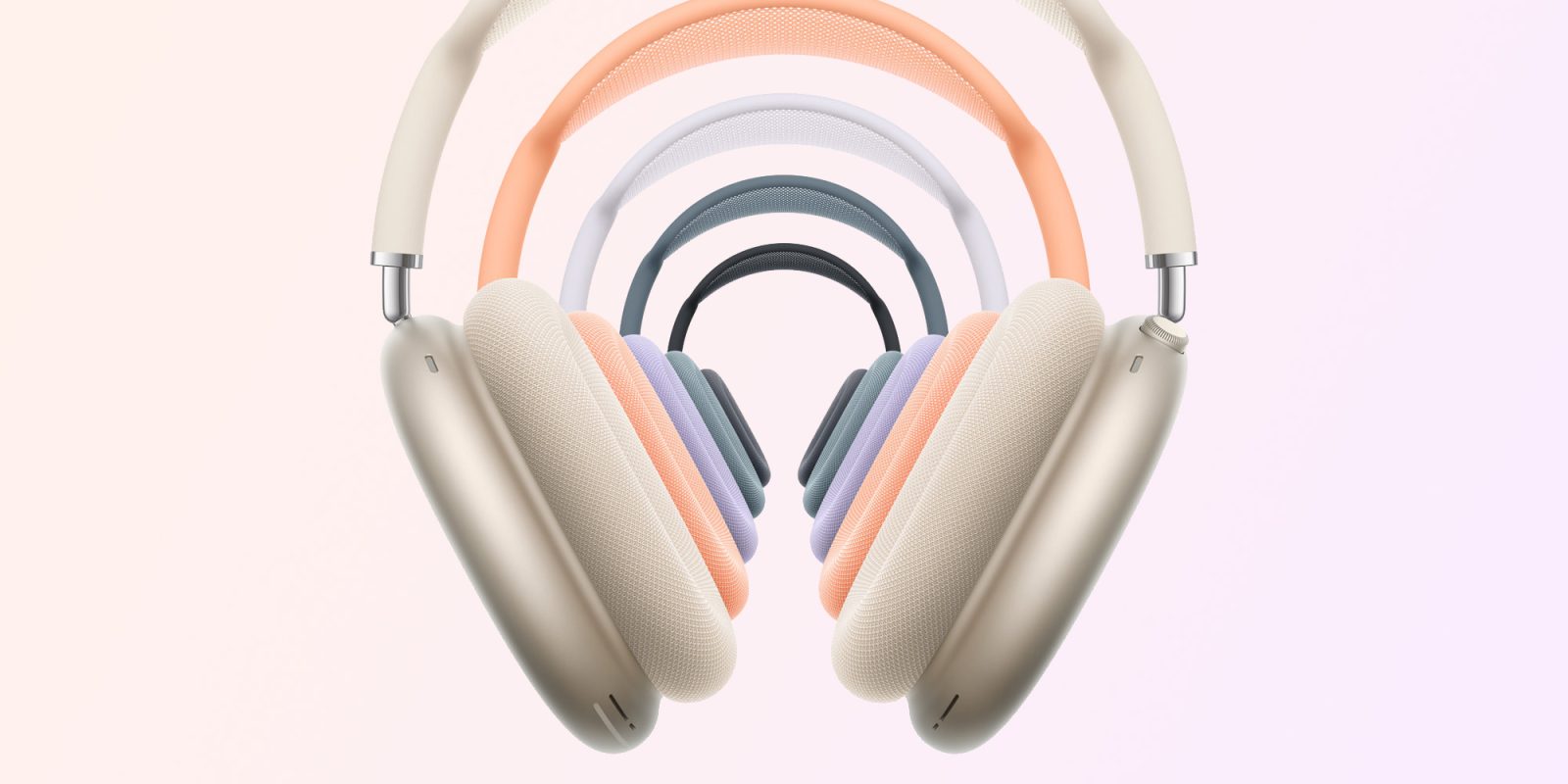
As we reported this morning, Apple has released a firmware update for the USB-C AirPods Max that enables lossless audio. However, due to a bug in iOS 18.4, the headphones were unable to download the update. Now the company has re-released the firmware that brings the new feature to AirPods Max.

AirPods Max update with lossless audio now available

Apple’s support webpage for AirPods firmware now lists a new build “7E101” available for USB-C AirPods Max. The build released on Tuesday along with iOS 18.4 was 7E99.

For some unknown reason, the AirPods Max failed when trying to download and install the latest firmware. As a result, users were unable to try out the new feature that enables lossless audio over USB-C. The update also brings ultra-low latency audio when using a USB-C cable, as well as enabling wired playback for the first time using Apple’s new USB-C to 3.5mm audio cable.

You can check which firmware version your AirPods are running by going to Settings in iOS and looking for the AirPods menu at the top of the screen. Of course, you need to connect your AirPods to your iPhone or iPad first.

Unfortunately, there’s no easy way to install AirPods firmware updates. Apple recommends that users who want to update the new firmware as soon as possible follow these steps:

  1. Update to the latest version of iOS (lossless audio on USB-C AirPods Max requires iOS 18.4 or macOS 15.4).
  2. Connect your AirPods via Bluetooth to an iPhone, iPad, or Mac.
  3. Make sure your Apple device is connected to Wi-Fi.
  4. Plug your AirPods into the charger.
  5. Keep your AirPods in the case and keep them near your device for at least 30 minutes.
  6. Put on your AirPods and check the firmware version again.

One thing to keep in mind is that the firmware update with lossless audio is exclusive to the USB-C version of the AirPods Max that was launched last year. The Lightning version won’t get this feature.

H/T: Aaron Zollo!

Read also

Gadgets I recommend:

FTC: We use income earning auto affiliate links. More.

You Might Also Like

Frozen in Code: How Ancient Mammoth RNA Is Rewriting the History of Life

Tesla’s Humanoid Gamble: Why Optimus Training Labs Reveal the True State of AI, Robotics, and the Cost of Automation

One dose of ketamine could treat depression for months, study finds

Historic Arctic Blast: What an Early, Record-Breaking U.S. Cold Snap Means for Homes, Grids, and Communities

Nintendo Switch 2 vs. Steam Deck: Battle of the Handhelds

Share This Article
Facebook X Copy Link Print
Share
Previous Article UFL 2025: Best mic’d up moments from Week 1 UFL 2025: Best mic’d up moments from Week 1
Next Article Why Taylor Swift And Travis Kelce Are ‘Taking A Break From The Public Eye’ Why Taylor Swift And Travis Kelce Are ‘Taking A Break From The Public Eye’

Latest News

Prince Andrew’s Legal Peril Deepens: Transatlantic Probe Targets Giuffre Family
Entertainment July 11, 2026
Sofia Vergara’s Etro Dress: The Keyhole Cutout That’s Turning Heads on Italian Streets
Entertainment July 11, 2026
Rick Springfield at 76: How the ‘Jessie’s Girl’ Icon Redefined Aging in Rock with His Viral Physique
Entertainment July 11, 2026
Prince Harry and Meghan’s Children Reunite with King Charles: A Royal Family Milestone After Years of Tension
Entertainment July 11, 2026
//
  • About Us
  • Contact US
  • Privacy Policy
onlyTrustedInfo.comonlyTrustedInfo.com
© 2026 OnlyTrustedInfo.com . All Rights Reserved.