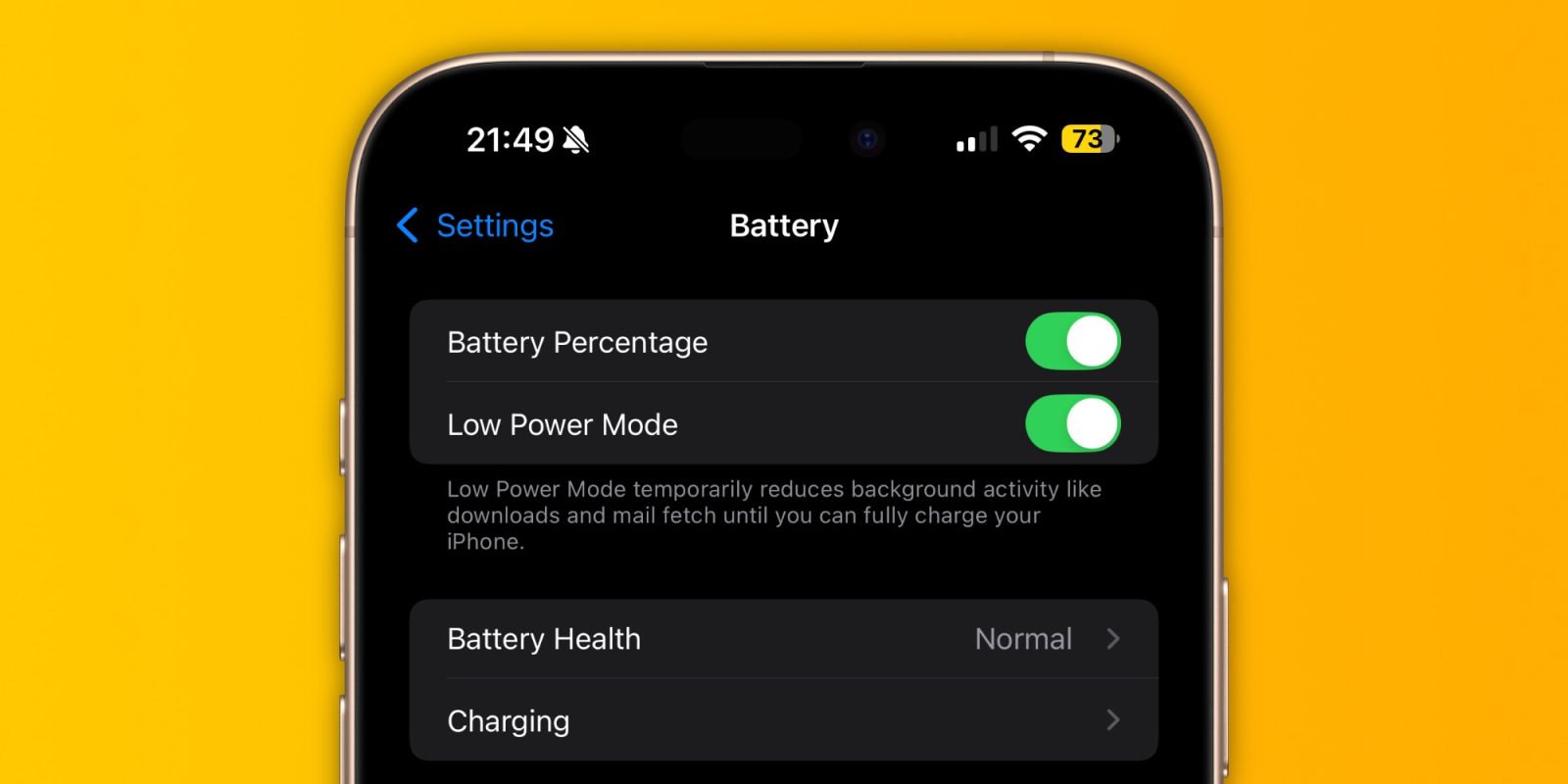
The iPhone’s Low Power Mode is not a new feature. In fact, it was introduced with iOS 9 back in 2015. But from time to time I see someone on the web complaining about how their brand new iPhone is running slowly. What do some of these cases have in common? Screenshots or videos showing that Low Power Mode is on. Read on as I detail how exactly this feature affects iPhone performance.
How does the iPhone’s Low Power Mode work?
As the name suggests, Apple has created Low Power Mode to help users extend their iPhone’s battery life in situations where you know you’re going to spend a long time without a charger nearby. When activated, Low Power Mode reduces power consumption by turning off multiple software and hardware features together.
Although iOS prompts the user to enable Low Power Mode when the battery reaches 20%, the feature can be enabled manually at any time.
Here’s how Apple describes the feature:
Low Power Mode reduces the amount of power your iPhone or iPad uses when the battery gets low. When Low Power Mode is turned on, your iPhone or iPad will last longer before needing to be charged, but some features may take longer to update or complete. Also, some tasks may not work until Low Power Mode has been turned off or until you charge your iPhone or iPad to 80% or higher.
You can check whether Low Power Mode is activated by looking at the battery icon in the Status Bar – if it’s yellow, your device is in Low Power Mode.
But what exactly does Low Power Mode change on your iPhone? Apple has an official list available on its website:
- Turns off or reduces the use of 5G (depending on which iPhone model)
- Set Auto-Lock to 30 seconds
- Reduces display brightness and limits the refresh rate to 60Hz on devices with ProMotion
- Turns off Always-On Display on compatible iPhones
- Reduces visual effects
- Pause background activities (such as downloads, iCloud sync, backup, and email fetch)
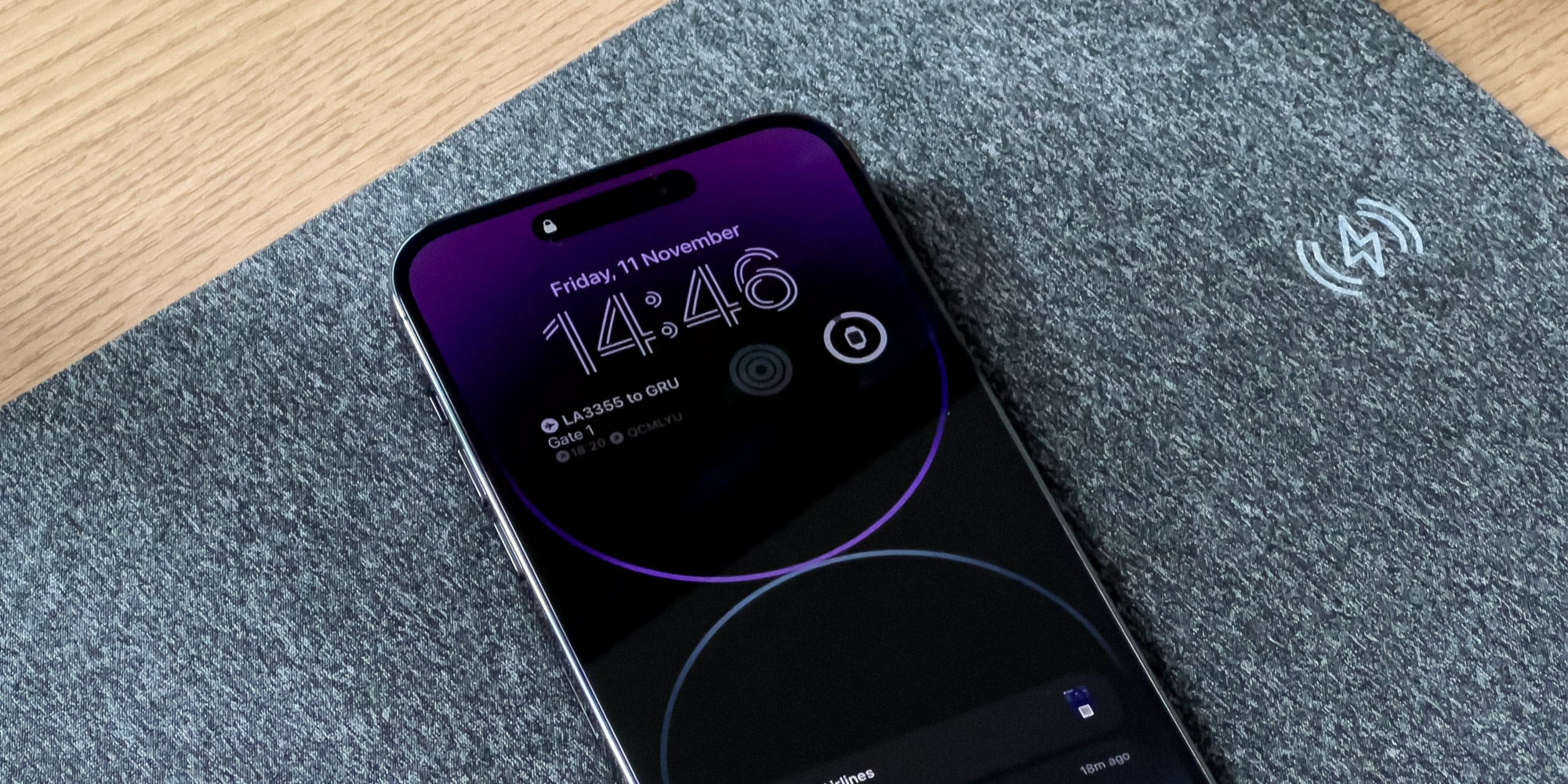
Does it slow down your iPhone? Yes
But there’s something Apple doesn’t tell you. Although the list doesn’t mention anything about performance, Low Power Mode also slows down the device when it’s activated.
To be clear, the chip inside your iPhone has multiple performance and efficiency cores. In typical usage, your iPhone can use all of the chip’s cores simultaneously, prioritizing the performance cores when you’re editing a video or playing a game. When Low Power Mode is on, iPhone heavily reduces the use of the performance cores, relying mainly on the efficiency cores – which are slower, but use much less power.
In a benchmark test used to score the performance of different devices, this is the score of the iPhone 16 Pro Max’s A18 Pro chip when Low Power Mode is off (the higher, the better):
- Single-core: 3341
- Multi-core: 8270
Now the same test run with GeekBench 6 when Low Power Mode is now on:
- Single-core: 1384
- Multi-core: 4093
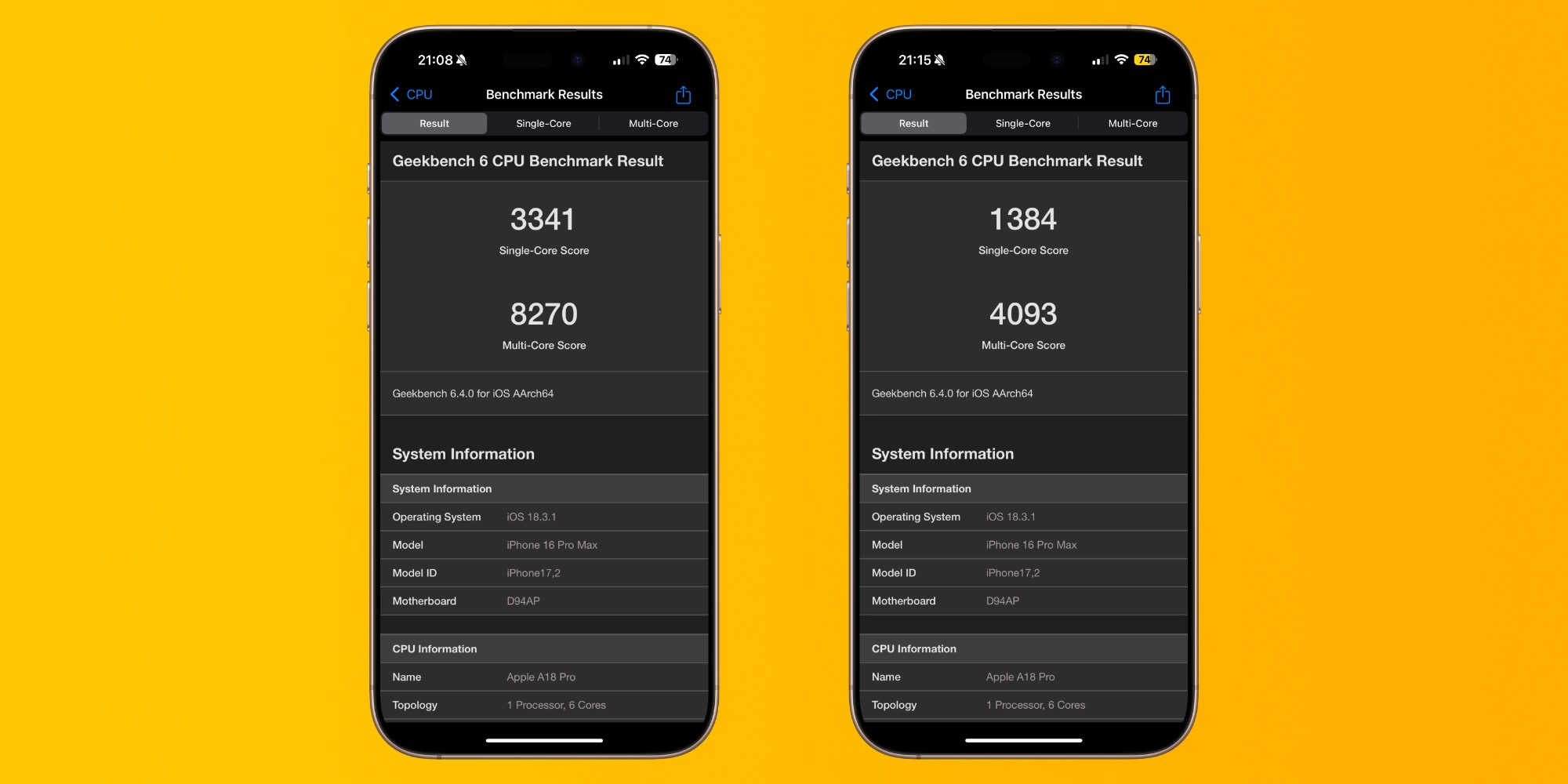
Essentially, the device runs at half its performance with this mode on. As a result, you’ll probably notice that your phone is slower depending on what tasks you’re doing. This may seem obvious to some, but some people get really surprised when they hear about it.
Wrap up
But at least keeping Low Power Mode on all the time will make the battery last much longer, right? Well, that depends. Multiple tests show that Low Power Mode is more effective at reducing battery consumption in stand-by mode with less effect when you’re actively using the phone.
In that case, you should probably only use Low Power Mode when you really need it. It’s worth noting that Low Power Mode is also available on iPad, Mac, and Apple Watch.
Read also:
FTC: We use income earning auto affiliate links. More.